Scan an ID. Know in a second.
Point your phone at the barcode on any US driver’s license. Get an instant age and validity check — no internet, no account, nothing leaves the device.
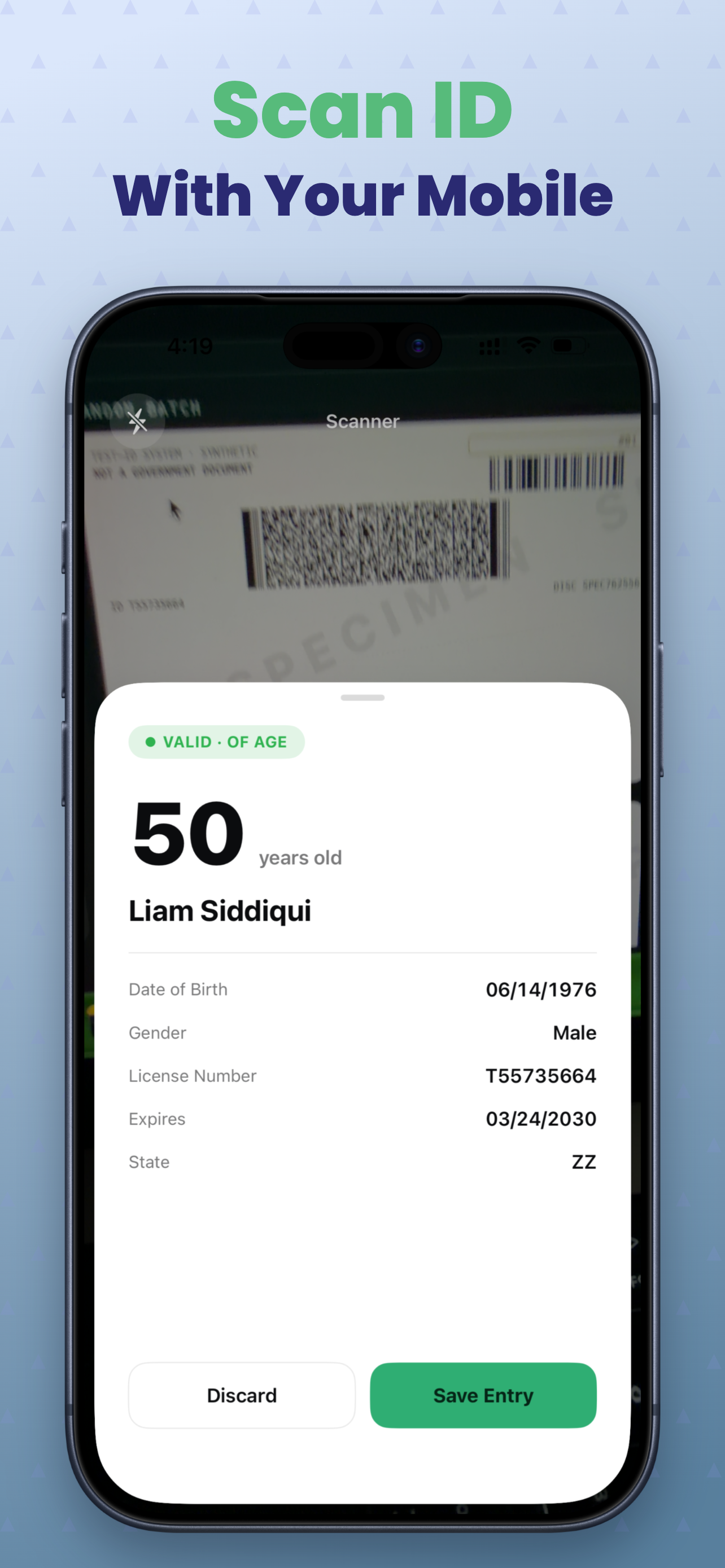
Three seconds at the door
Scan
Point the camera at the barcode on the back of the card. The frame locks on automatically.
Verify
Instant Valid, Expired, or Underage result — plus VIP or Banned status if you’ve flagged them before.
Save
Logged to your searchable history automatically — or discard it and move on to the next person in line.
Built for the door, not the back office
Read the barcode, skip the squinting
A native camera-based PDF417 reader decodes the AAMVA barcode on the back of any US driver’s license or state ID — name, date of birth, expiration, state — in about a second. No typing, no internet required.
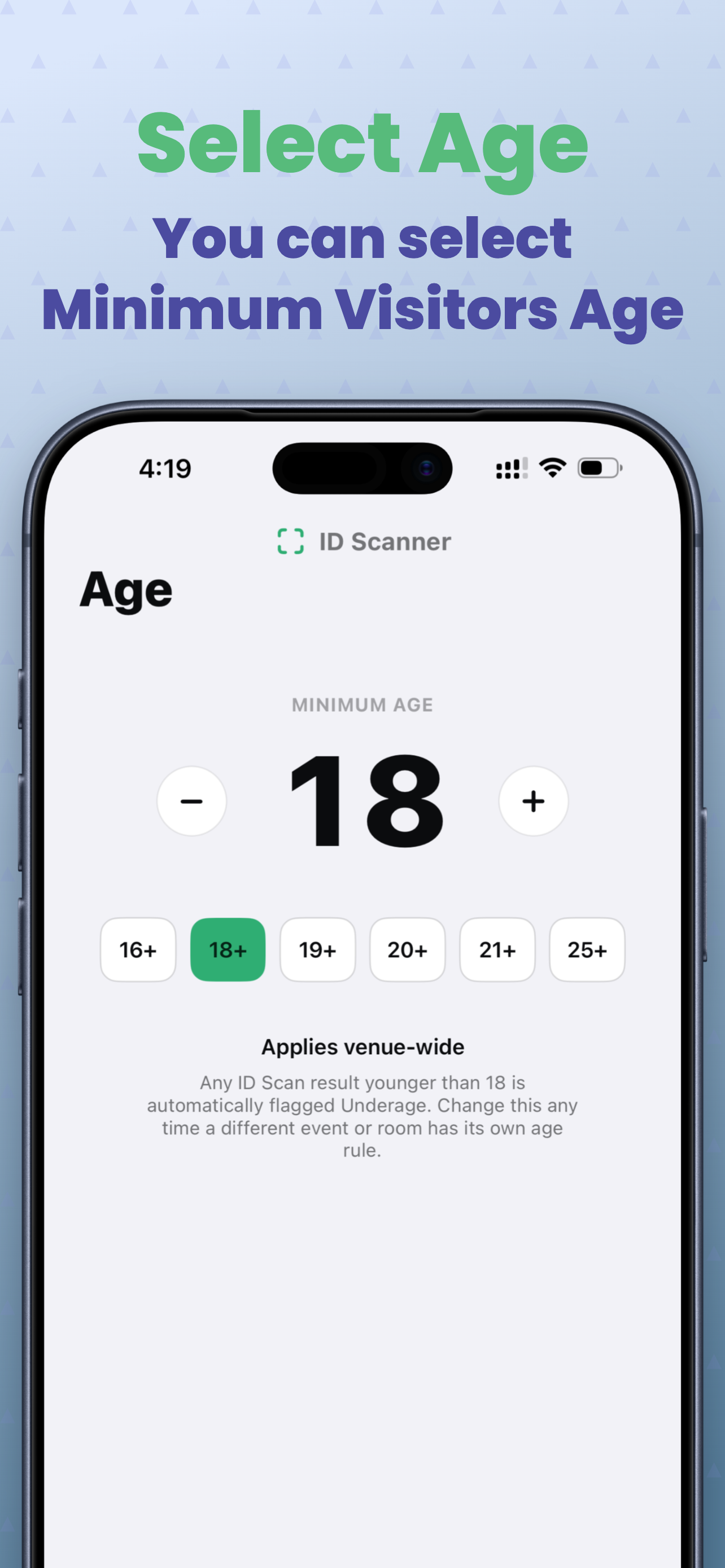
Your age cutoff, your call
Set the minimum age for your venue — 18+, 21+, or anything else — and every scan younger than that is flagged Underage automatically. Expired cards are caught on the spot.
Know when to look twice
ID Scanner checks the barcode’s own data for red flags — impossible dates, missing standard formatting, placeholder names — and flags repeat scans of the same license number under a different name. It catches the obvious stuff, tampered barcodes and mismatched identities on repeat scans, so you know when to inspect the physical card.
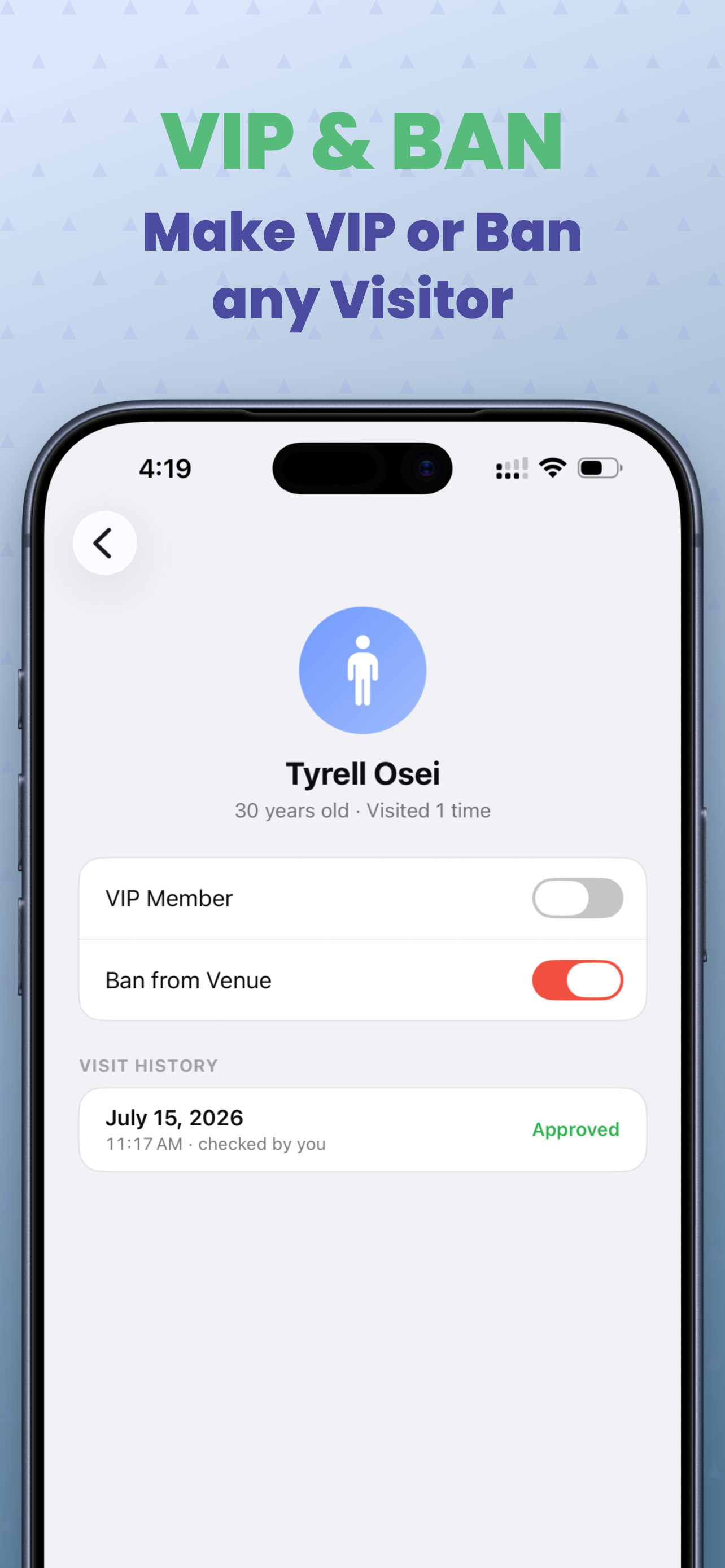
Your door, your rules
Flag someone as VIP or banned once, and their status surfaces automatically the next time their ID hits the scanner — before they’re through the door.
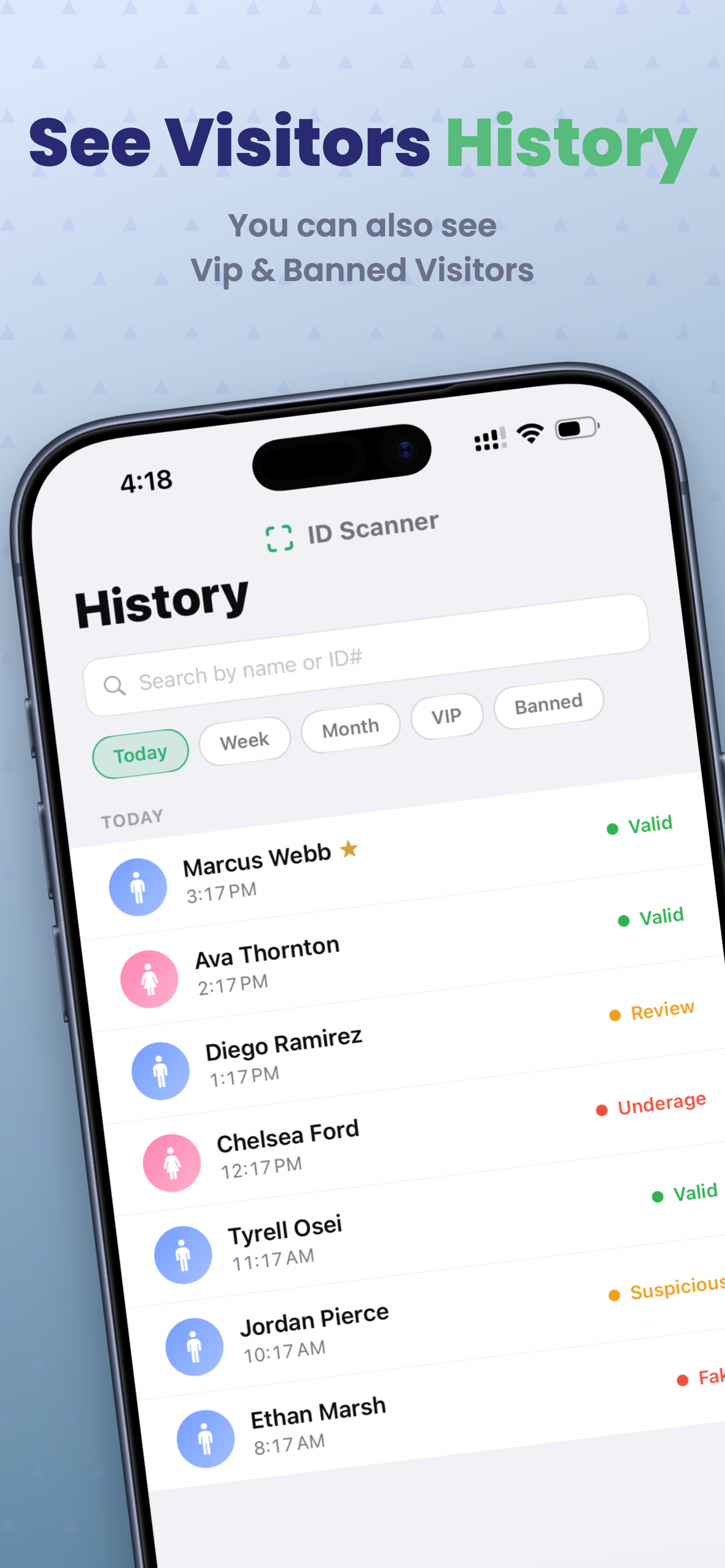
Every visit, remembered
A searchable log of every scan, grouped by day with quick filters for VIP and banned guests. Find a name, a night, or a repeat visitor in seconds.
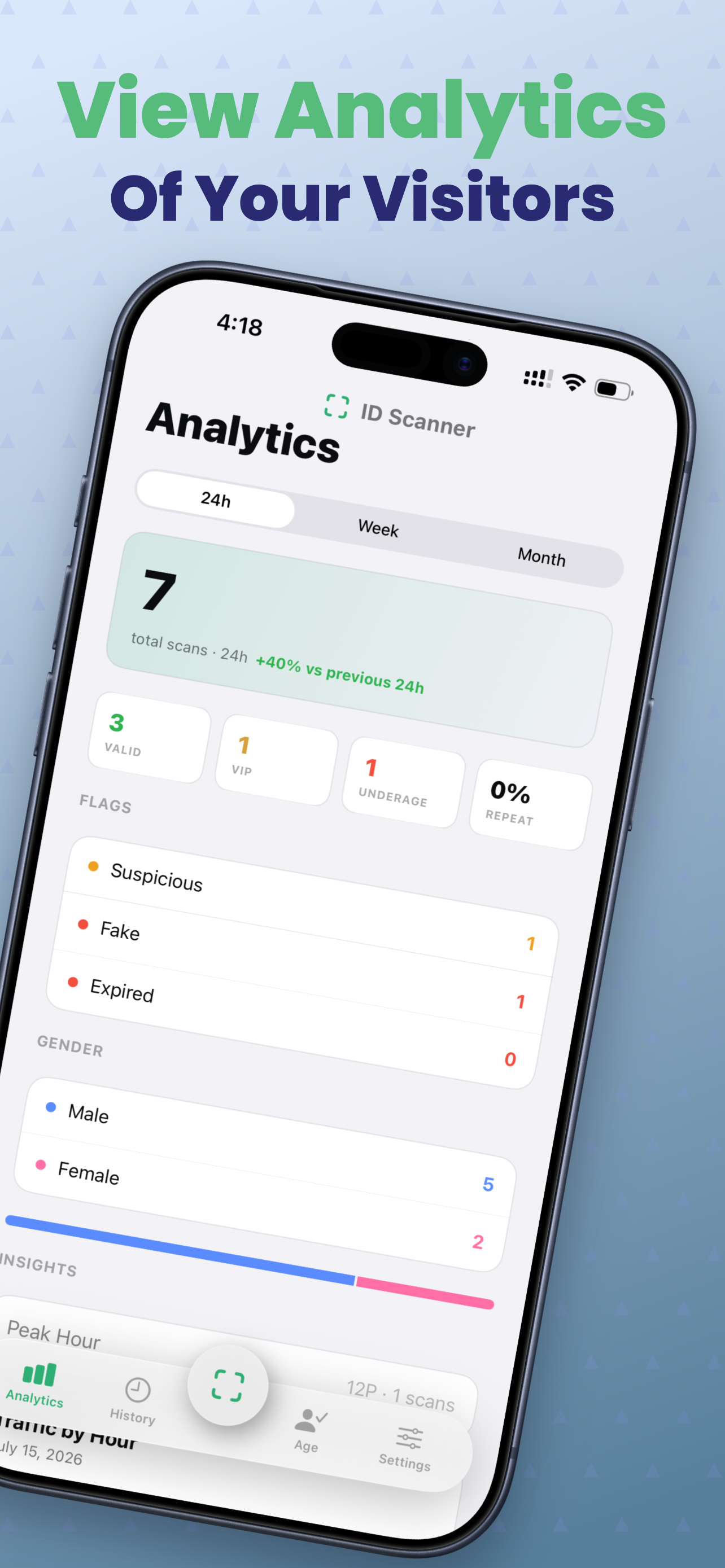
Know your night at a glance
Total scans, gender breakdown, valid/underage/expired counts, repeat-visitor rate, peak hour, and an hourly traffic chart for the night — all computed on the phone.
New phone, nothing lost
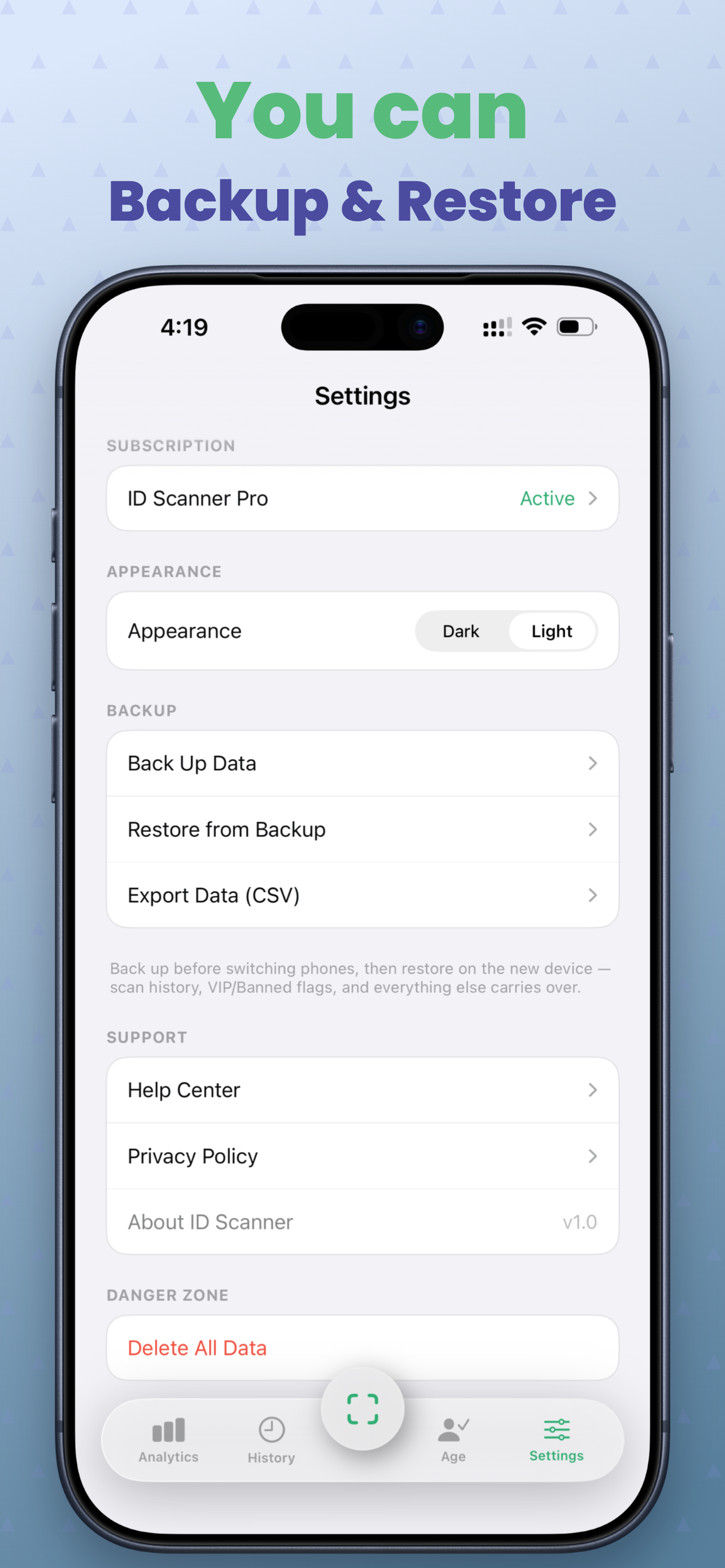
Export all your data as a single backup file and restore it on a new device whenever you want. Need spreadsheets? Pull everything out as CSV too.
Start free. Upgrade when the line gets long.
Subscriptions are purchased inside the app through the App Store.
Free
$0
No card, no account. Just download.
- 20 scans per month
- Instant age & validity checks
- Today’s history
- No backup or export
Pro — Monthly
$9.99/month
3-day free trial
- Unlimited scans
- Full history & analytics
- Backup & restore
- CSV data export
- No ads
- Priority support
Pro — Yearly
Save 60%$49.99/year
Recommended · Save 60% vs. monthly
- Unlimited scans
- Full history & analytics
- Backup & restore
- CSV data export
- No ads
- Priority support
Dark, fast, and legible at 1 a.m.
Questions, answered
Ready for tonight’s shift
Free to download. 20 scans a month on the house.